Examples
Get System Ready
The first step to running examples is to prepare the computer on. The examples can be run on Linux, Mac (OS X), or Windows machines. Some of the instructions will assume you are in a terminal (Linux or Mac), but can be adapted to Windows Command Prompt or PowerShell.
Steps:
Download examples folder.
- Setup a python version
Either with a system Python
Or mamba.
Get CAMx tutorial files.
Once you have done all these steps, you should will be ready to run example scripts. The scripts use file paths to “point” to files assuming a relative folder structure. Each python script (eg, run_gridemiss_01_perturb.py) will be run using python from within its folder (eg, examples/gridemiss/). So, it is important that the folder structure is as expected or you edit the paths in the scripts.
So, if you were done preparing the system (steps 1-3), you would run an example script like this on Linux or Mac:
cd ~
cd examples/gridemiss
python run_gridemiss_01_perturb.py
Or Windows PowerShell
cd ~
cd examples/gridemiss
py.exe run_gridemiss_01_perturb.py
As an alternative, you can run these script by pasting sections of them into an interactive Python console. For example, on Linux/Mac:
cd ~/examples/gridemiss
python
>>> # paste commands here
Or in Windows PowerShell:
cd ~/examples/gridemiss
py.exe
>>> # paste commands here
Remember, this will not work until you complete the preparation steps:
Getting the examples folder done in Get Examples Folder
Preparing the python executable is described in the Preparing Python Environment (or in the Using Mamba to get Python).
Getting the CAMx tutorial data is described in the Getting CAMx Files example.




Gridded Emission Examples
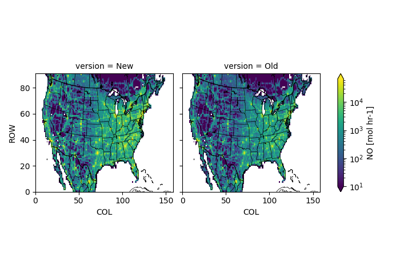
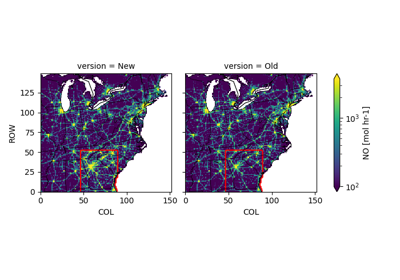
There are currently two gridded emission examples:
Scale gridded emissions across the whole domain.
Scale gridded emissions in a specific region.
Caveat: The “specific region” can be modified to be very specific, but has limits. The examples work from emissions that have already been gridded, speciated, and often merged across many “sectors.” When trying to make very specific updates (e.g, a single SCC), sometimes this approach will fall short.
Point Source Emission Examples
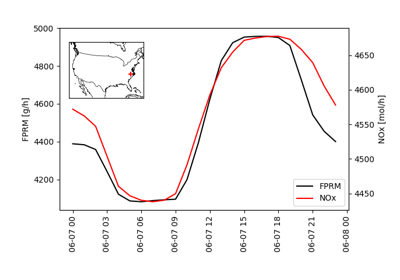
There are currently two point source examples:
Make a single representative source file.
Perturb a facilities based on latitude/longitude.
Caveat: These point source examples can be adapted to do many things, but there are limitations. For example, sometimes “point source emissions” are split between the amount subject to plume rise and the rest may be merged with the gridded. In that case, scaling the point source file is not equivalent to scaling a facility.
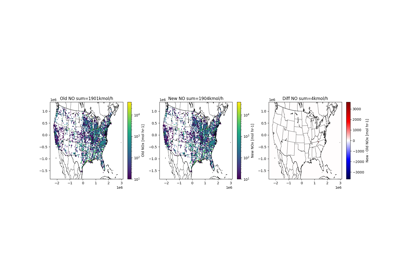
Rerun CAMx
Edit run script to use edited emission files.
Run CAMx as you normally would.

Model Performance Evaluation
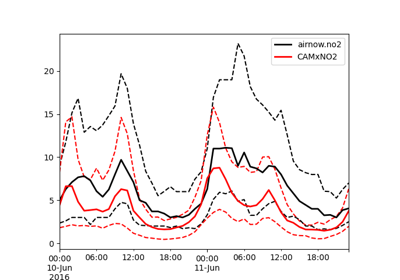
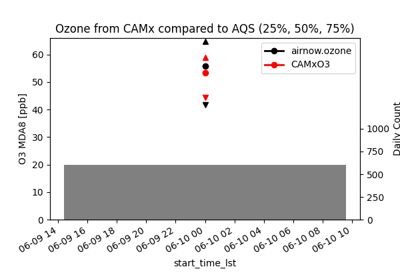
There are currently two model performance examples. These are meant to be instructive and do not cover all possibilities. These examples use EPA’s RSIG to aquire AirNow or AQS observations, which is useful for rapid evaluation and retrospective evalaution.
Compare CAMx to hourly NO2.
Compare CAMx to Ozone Maximum Daily 8-hour Average.
Satellite Comparison
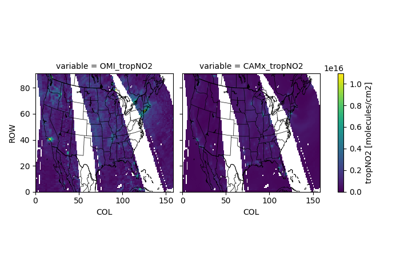
There are currently two satellite processing examples.
OMI NO2 comparison without updating the model prior, and
TropOMI NO2 comparison with an updated model prior.
Satellite NO2 use modeled NO2 (eg, GMI or TM5) to quantify the vertical distribution of NO2, which allows for a quantitative translation from measurements with differential vertical sensitivity to a best estimate assuming equal sensitivity. Using your own model as the vertical distribution ensures an apples to apples comparison.
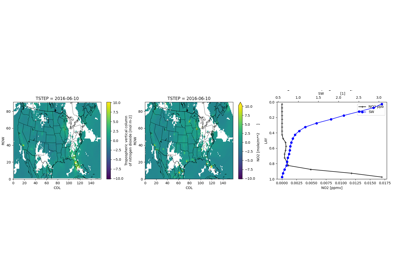
Making CAMx Maps
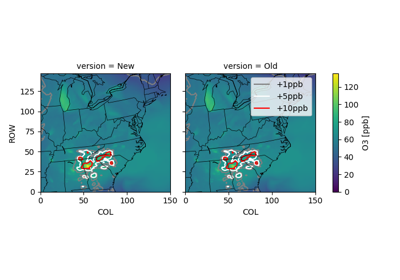
Compare originally run CAMx to new run with new emissions.